anytype

As my pile of notes in onenote is getting bigger and bigger the issues showing up are getting bigger and bigger too.
So I started searching for an alternative that is better in synchronizing, performance and in best case not bound to a companys cloud-prison. After talking with a colleague about Obsidian I continued the search and found anytype through a youtube video from heise (3003) some weeks ago.
The installation via a proxmox lcx container went straight forward and after five minutes I already was able to sync my first Objects (somewhat notes or pages) between my computer and phone.
These Objects are the clue about anytype. You do not just have notes and notebooks or sections, but you have Objects to organize yourself. Notes, Pages, Images, Projects, Tasks, Bookmarks and many more predefined ones come out of the box. At any time you can just create your own Objects to fit your personal needs. E.g. for journaling, traveling.
All Objects can then be organized via a dashboard (just a page-Object) or queries and collections to find everything back when you need it. You even can have them shown as some kind of mindmap, called Graph.
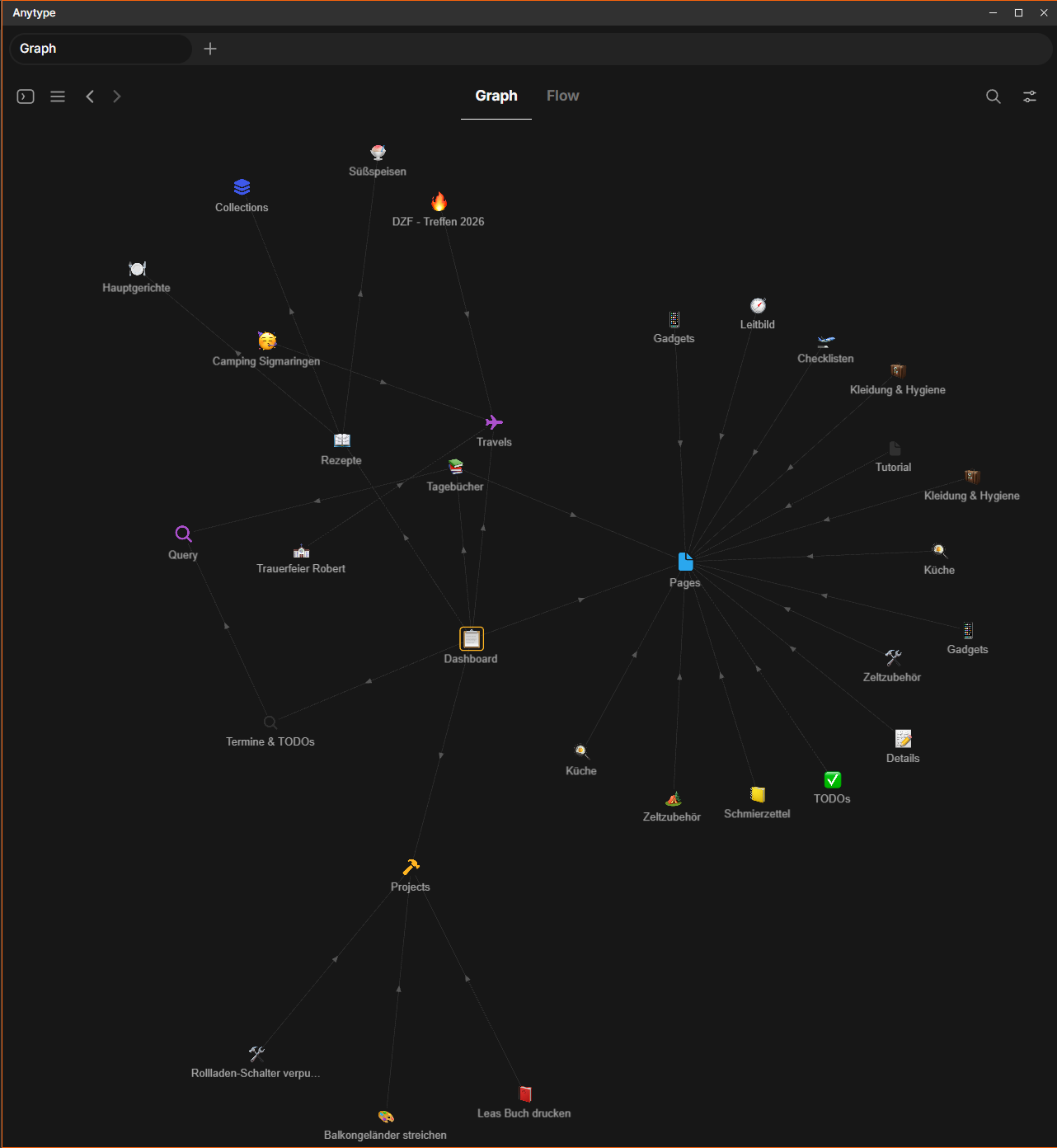
It took a while to understand that concept, but now as I did I do not want to go back to the old way of storing notes.
Using codex and some hours of vibe-coding I even was able to import all my journals into anytype to be able to switch over much faster.
Sources:
https://anytype.io/
https://community-scripts.org/scripts/anytype-server
https://github.com/xfirf/onenote2anytype